 HibbittsDesign
Docsify‑This
Instant
Docsify‑This is a free, open-source web app that transforms online Markdown files into styled, responsive web pages – with no webserver setup, build process, or technical knowledge required. Just provide a public Markdown file URL to instantly publish and share styled content.
It gives your Markdown content a clean, professional home on the web – ready to share as a standalone page or embed into almost any platform. Content stays in the Markdown files you already have, wherever they are hosted. Named a finalist in the Open Infrastructure category for the 2024 Open Education Awards for Excellence.
Jump to: The Web Page Builder · Get Started Now
Who It’s For
- Educators sharing course materials, OER, and resources across platforms
- Writers and publishers wanting frictionless Markdown web publishing
- Teams maintaining documentation in GitHub or Codeberg repositories
- Anyone who wants to share content without platform lock-in
Built for Publishing and Sharing
Instant styled web pages from your Markdown files – wherever they are hosted and wherever you want to share them.
- Instant publishing – paste a Markdown file URL and get a styled, shareable web page in seconds
- Single pages or full sites – publish one standalone page or an entire multi-page course or documentation site
- Point-and-click styling – the Web Page Builder lets you customize fonts, colors, and layout without touching code
- Styled URLs are shareable – your appearance choices are encoded in the URL, so sharing the link shares the styled experience
- Embeds anywhere – publish standalone pages or embed content into Canvas, Moodle, WordPress, or almost any platform
- Edit in place – update your Markdown source files and changes go live shortly after saving
- Open by default (you control it) – free, open-source, and your content always stays in Markdown files you own and control
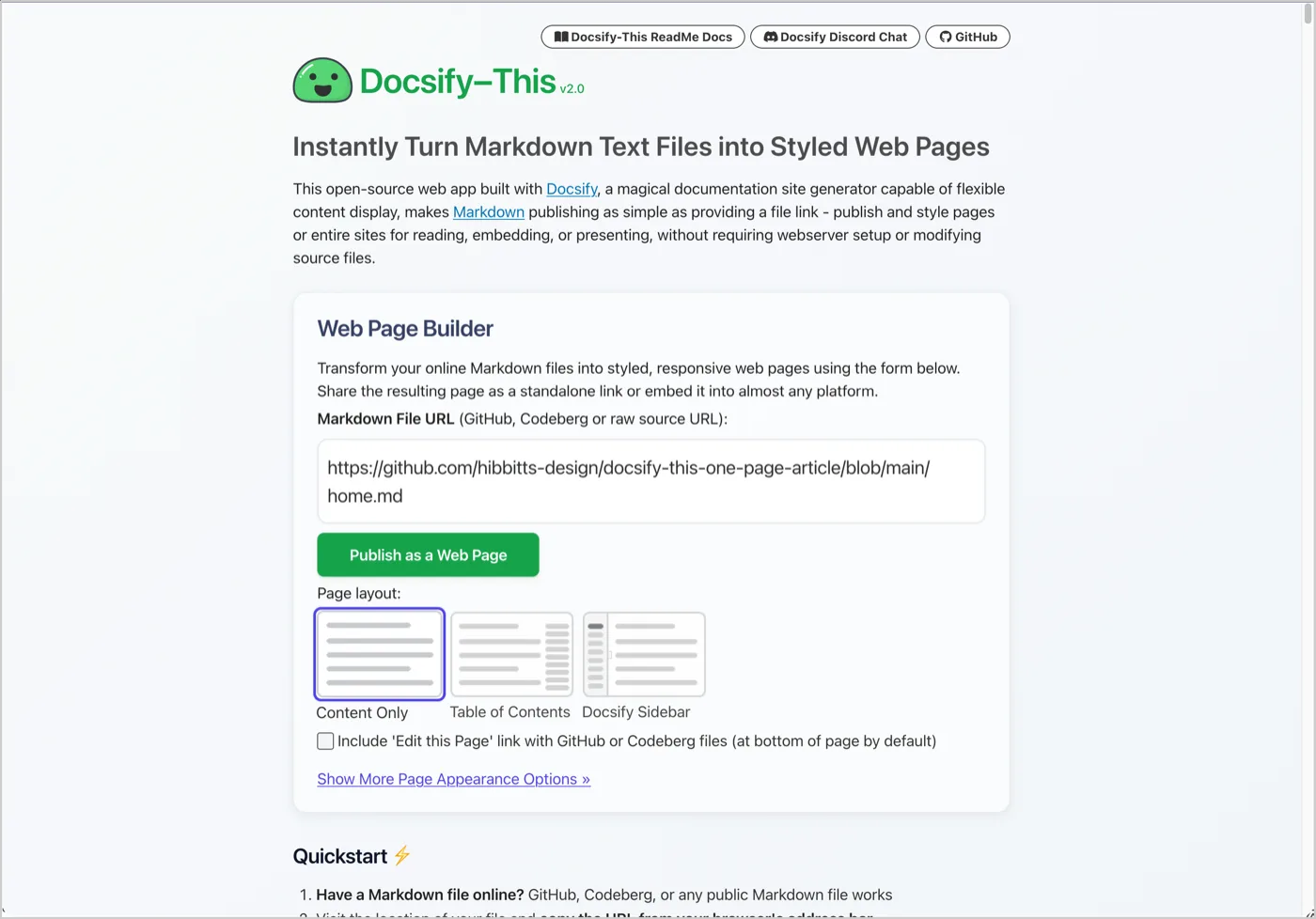
The Web Page Builder
A point-and-click interface for transforming Markdown files into styled web pages – choose page layout, fonts, colors, and more, then publish.
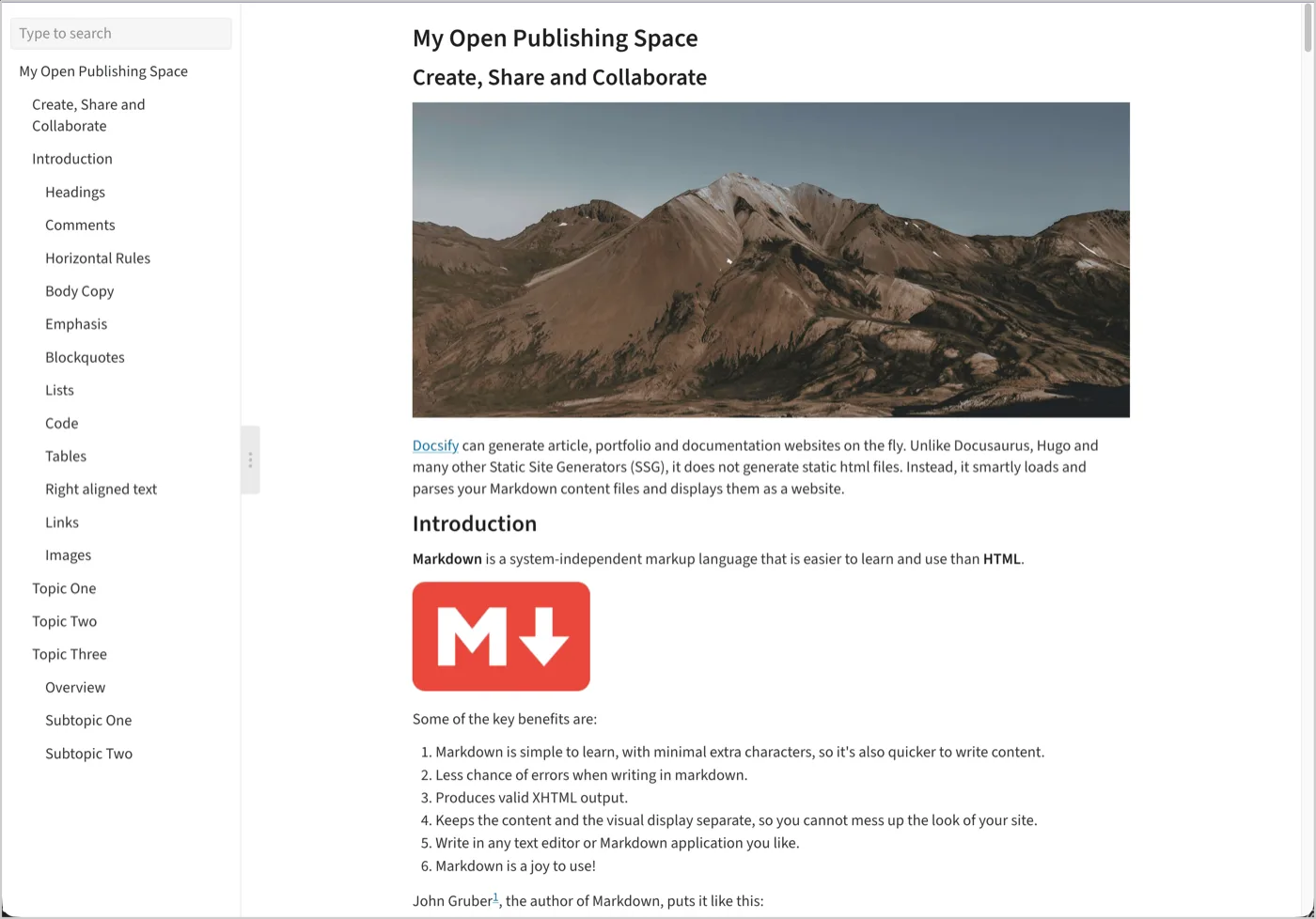
Behind the Scenes
- No setup, no hosting – works with any public Markdown file on GitHub, Codeberg, or any accessible URL
- Ready in seconds – visit docsify-this.net and start publishing immediately
- Team-friendly – enable "Edit this Page" links for community contribution and collaborative workflows
- Open editing workflow – optionally keep content in Git repositories for version control and collaborative editing
What’s Available
- One Page Article and Course templates
- Multiple Page Course Site and Open Publishing Site templates
- LMS-ready content page templates for Canvas, Moodle, and more
- Built-in CSS classes for buttons, cards, accordions, badges, and more
- Guides and learning materials for new and experienced publishers
Get Started Now
See what educators and users are saying about Docsify‑This →
New to Docsify‑This? Review the Tutorials & Workshops page for guided learning and resources.
Need Help or Customization?
If you’d like support with setup, workflows, embedding, or custom development, see Additional Professional Services & Support. Need a more capable course companion site? Learn about Grav Helios Course Hub. Ready for your own URL and deeper customization? The Docsify Starter Kits are the natural next step.